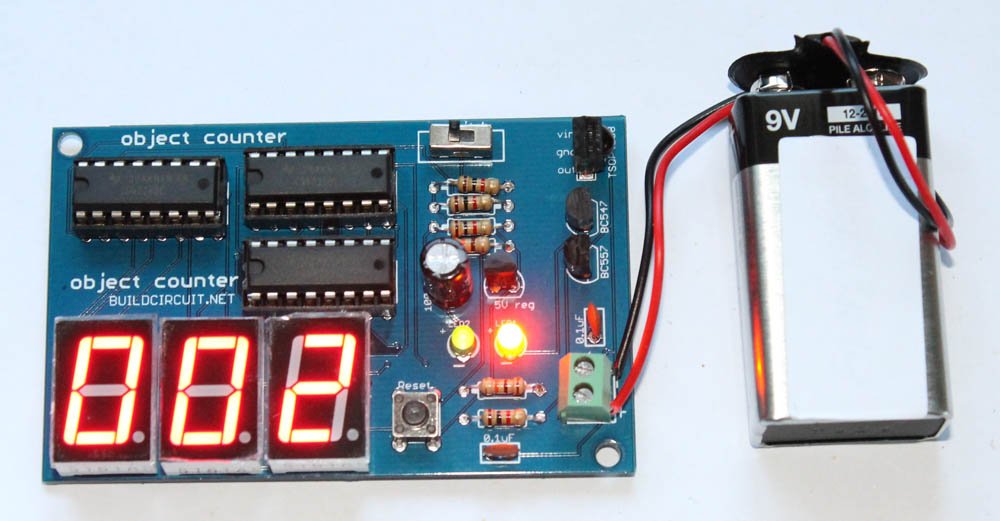
Object counter using LDR and calculator

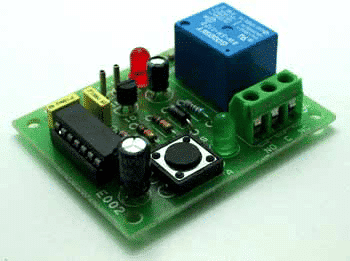
To make an object counter we can use a simple dark detector circuit and a normal calculator. Pole and NO (Normally Open) terminals of a relay have to be connected to the two pins which are used to activate ‘=’ key of calculator.
As we block the light falling on LDR, the calculator starts counting.
For the calculator to work as a counter, we first need to press ‘1’ and ‘+’ keys.

Read More

How to use a relay

A relay is an electrically operated switch. Current flowing through the coil of the relay creates a magnetic field which attracts a lever and changes the switch contacts. The coil current can be on or off so relays have two switch positions and they are double throw (changeover) switches. The relay’s switch connections are usually labeled COM(POLE), NC…

Read More

3 useful applications for serial data transfer between Android and Arduino

In this article, you will know about three easy, useful and absolutely FREE Android applications that facilitate serial communication between Arduino and Android via Bluetooth medium. Before moving on to applications, you can check this article to know about the fundamentals of Android-Arduino communication using Bluetooth. Now, let’s start with the applications first, then we…

Read More

RS485 Shield For Arduino Nano

Arduino Nano RS485 shield will help you to transmit and receive serial data using the twisted pair RS485 network. The module provides half-duplex communication. LED D1 indicates receive data, D2 Transmit LED, J1 jumper is optional and not in use in this application. DI/RE connected to D2 of Arduino digital pin which enables Receiver Output…

Read More